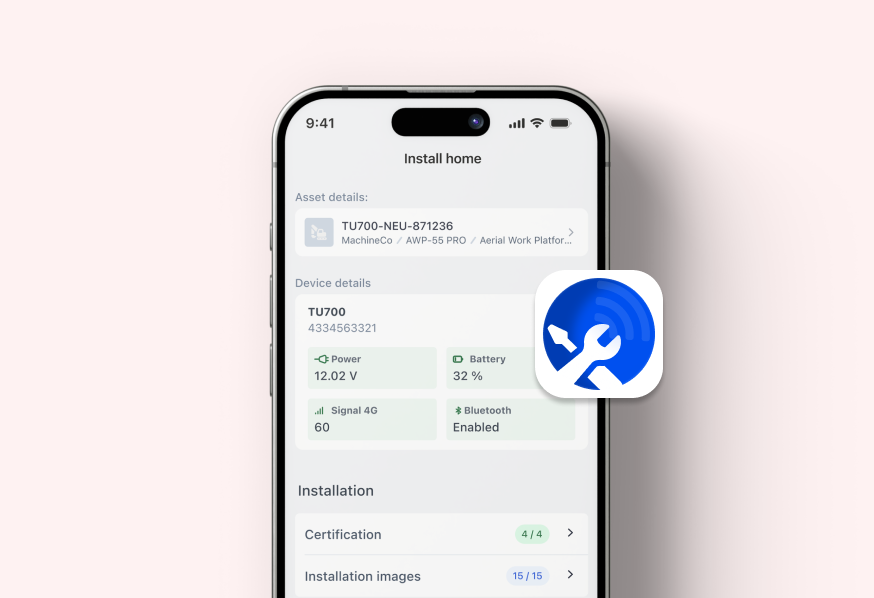
Equip your operators with secure digital credentials through Trackunit On, enforce permissions and inspections, and track usage across your entire fleet.
App Introduction
Digital Access Management
at your fingertips
Find authorized equipment, inspect it, unlock with credentials, enable operator accountability, all from Trackunit On.
Locate
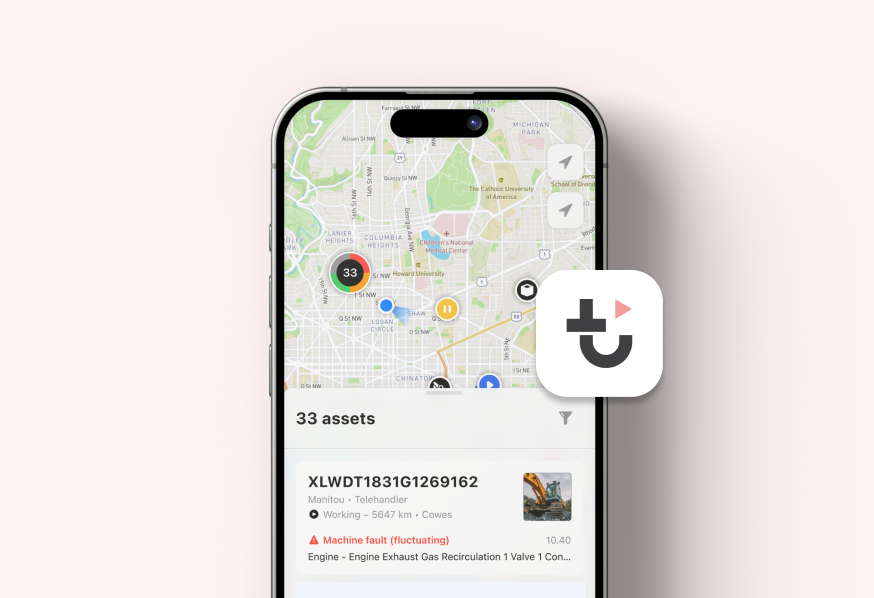
Find authorized equipment fast with a map showing only what you can access.
1 working week saved per year when reducing time spent on searching equipment.
Access
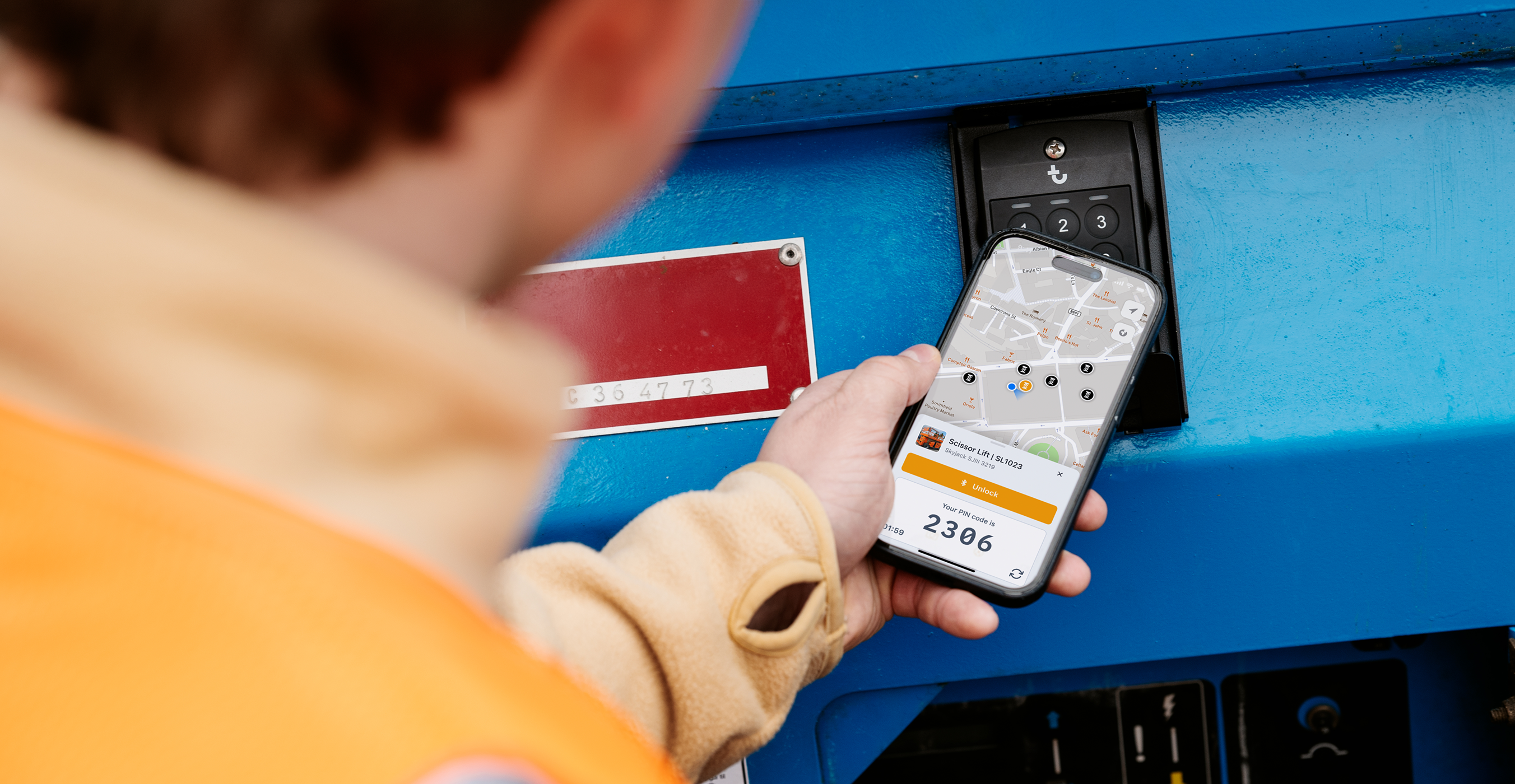
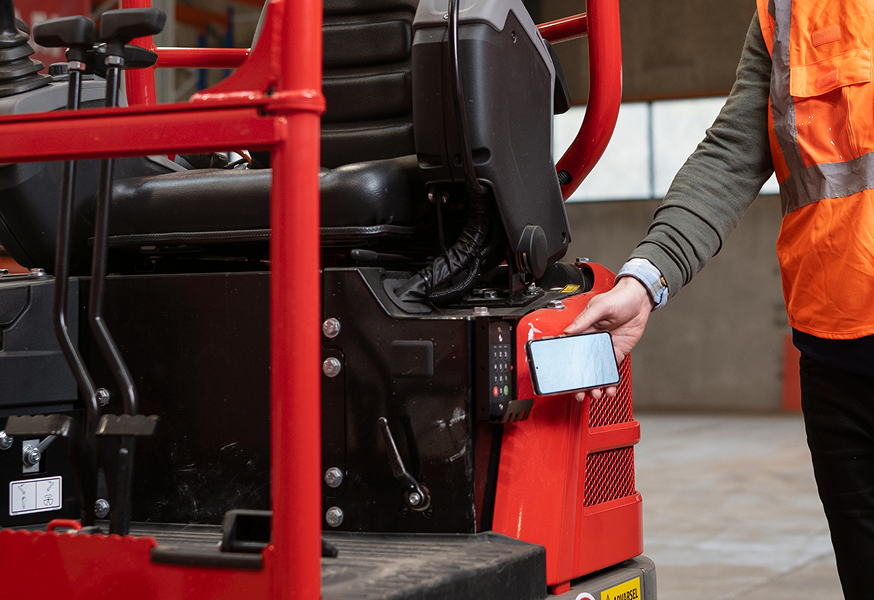
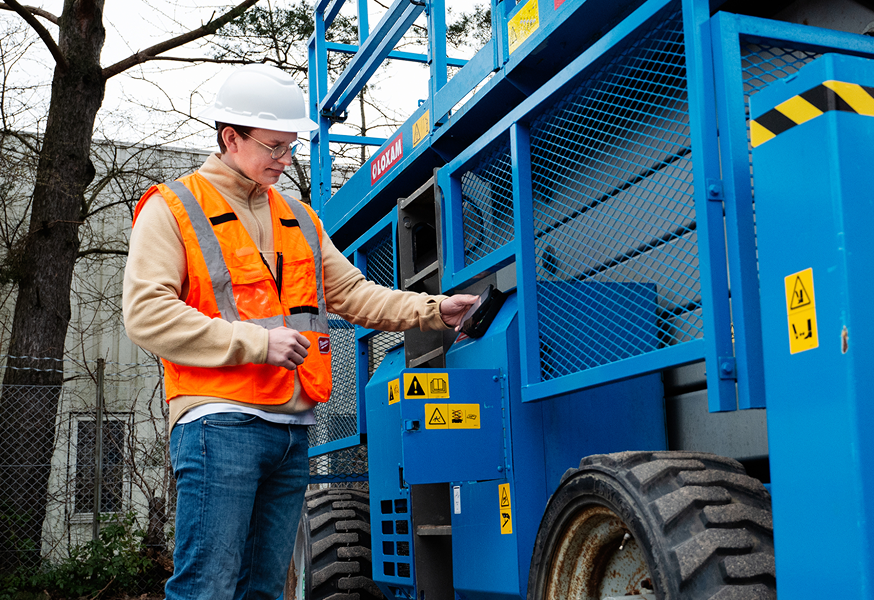
Use rolling PIN, Bluetooth, or card to unlock authorized equipment securely.
Digital access control reduces immediate risk of unauthorized use and costly theft exposure.
Inspect
Run guided digital inspections, instantly report issues supporting faster follow-up.
Digital inspections enable 25% maintenance savings by standardizing preuse checks digital.
Identify
One digital identity across projects creates accountability and supports compliance.
Thousands of operators onboarded on Trackunit On with one unique digital identity.
We’ve got answers to your top questions about Trackunit On
What is Trackunit On used for?
Trackunit On lets approved machine operators use their phone as a digital key to unlock and operate equipment.
Do users need an invitation to use Trackunit On?
Yes. An employer or equipment provider must invite users to Trackunit On.
Can digital keys be shared with other operators?
Yes. Users can use the in-app key delegation feature to share keys with Trackunit On users.
What if a machine won’t unlock?
Users should ensure Bluetooth® is enabled on their phone, they are close to the machine, and have the correct access permissions.
How does on operator complete an inspection with Trackunit On?
In Trackunit On, the operator opens the asset, taps Inspection, and follows the guided checklist. If they find an issue, they report it during the inspection before submitting.
Help Center
Get started with Trackunit On
Explore articles and learning sessions designed to help you begin with Trackunit On and make the most of every feature from day one.
Help Center Article
Get started with Trackunit On
Learn how to get started with the Trackunit On app – the app that unlocks the power of Access Management.
Get hands on with the solutions that can empower your digital journey. Let’s connect and find the right time and place to explore your connectivity potential.
Solutions
Explore Trackunit’s products & solutions
Discover the products and solutions that unlock new value from your equipment data and accelerate your journey to eliminate downtime.
Digital Access Management
The key to safe equipment access
With digital Access Management, Trackunit is leading a new era of streamlined and safe operator access for mixed fleets across construction sites.
With Trackunit Go gives fleet managers and technicians real-time visibility, smart alerts and event logging to act faster, prevent breakdowns and keep machines performing at their best.